WinCo Pay Stub: Access Guide via Paperless Employee
Marcus Vance / Payroll Operations Editor
Reviewed by: Reviewed by the Paystub Generator Payroll Team
Legal Reviewer
Last Updated: July 10, 2026
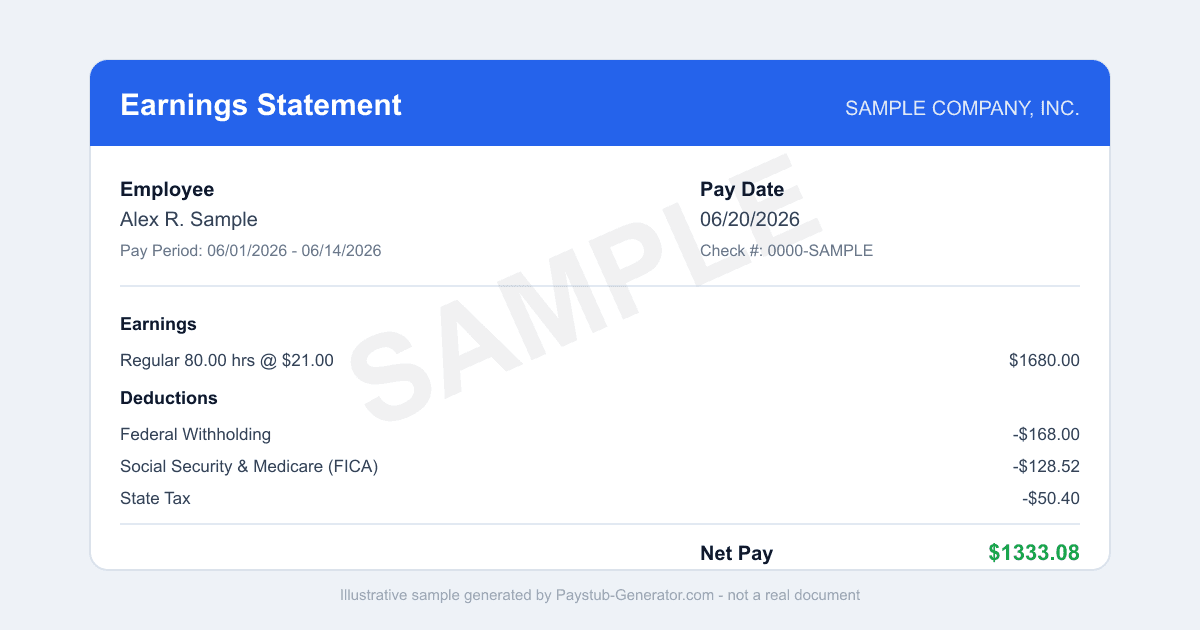
Need your WinCo Foods pay stub? Here's how to log in to Paperless Employee, download stubs and W-2s, use the app, and get copies after you leave.
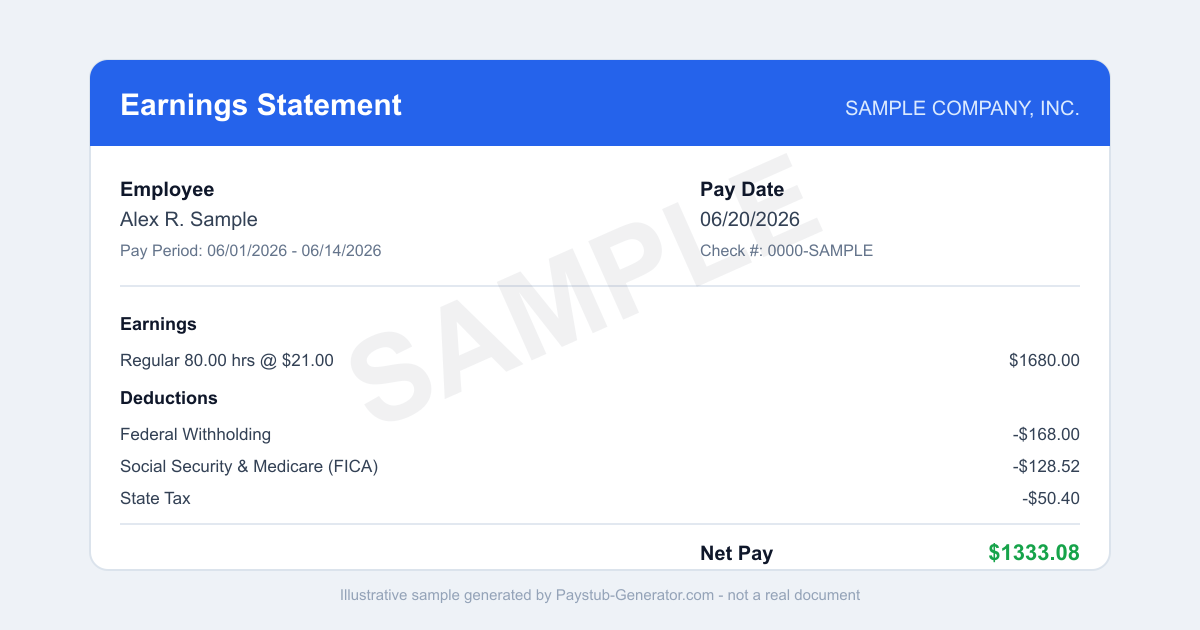
Short on time? You can also generate a professional pay stub in a couple of minutes instead of waiting on a portal.
You walked out of the store after your last shift, and now a landlord wants proof of income. Or maybe you're still working the aisles, but a lender needs your numbers. Either way, you need a WinCo pay stub—fast.
Working at WinCo Foods means you're an employee-owner. That's a real stake in the business. But when you're applying for a loan, an apartment, or filing taxes, that stake doesn't matter unless you can prove what you earn.
Getting that document shouldn't be a hassle. Here's exactly how to pull your pay stubs and tax statements from WinCo's system—plus what to do if you're locked out or need a final paycheck in Idaho.
How to Access Your WinCo Pay Stub
Your pay stubs live on the Paperless Employee (WinCoFoods) portal. That's the official, secure site where WinCo stores all your earnings history and year-end tax forms. You'll need to set up your account first if you haven't already.
Step 1: Go to the portal. Open your web browser and go to paperlessemployee.com/WinCoFoods. This is the direct link for WinCo employees. Don't use a generic Paperless Employee URL—use the WinCo-specific one.
Step 2: Register your account (first time only). Click the "Register" or "New User" link. You'll need three pieces of info:
- Your 6-digit employee number (find it on a previous pay stub or ask your manager)
- Your Social Security number
- Your date of birth
Enter these exactly as they appear in WinCo's payroll system. Once verified, you'll create your own username and password. Make your password strong but memorable—you'll use it every time.
Step 3: Log in. Use the username and password you just created. The portal may ask for a verification code sent to your email or phone if you've set up two-factor authentication.
Step 4: Find your pay stub. After logging in, look for "Pay Statements" or "Pay Stubs." You'll see a list of your recent pay periods. Click the one you need. The stub shows your gross pay, deductions, net pay, and year-to-date totals. View it on screen or download it as a PDF.
Step 5: Save or print. Download the PDF or print a copy. If you need an older pay period that isn't showing, check the date range filter—older stubs may be archived but still accessible.
What else is there? The portal also stores your year-end tax statements: W-2 and 1095-C (for health coverage). These usually appear in January for the prior year. Access them the same way—just select the "Tax Statements" or "W-2" tab.
Using the Mobile App
There's no dedicated Paperless Employee app for WinCo. But the portal is web-based and works from a mobile browser. Log in from your phone's browser (Chrome, Safari, etc.) just like you would from a computer. The site resizes to fit your screen. Bookmark paperlessemployee.com/WinCoFoods on your phone's home screen for one-tap access. Handy if you need a pay stub on the go—say, to email a landlord during your lunch break.
What to Do If You've Left WinCo Foods
If you no longer work at WinCo, your Paperless Employee access usually continues for a while after you leave. That means you can still log in to grab old pay stubs and, most importantly, your W-2s for tax season. The portal doesn't shut off the day you quit—it stays open so you can get what you need.
But what if you try to log in and get an error? Or it's been a year and you're locked out? Don't panic. Call the WinCo Help Desk at 1-800-504-6969. Explain you're a former employee and need access to your pay stubs or W-2s. They can help reset your credentials or send you copies. Have your Social Security number and dates of employment ready—they'll need to verify who you are.
Important: If you haven't registered yet and you've already left, you may still be able to register using the same process (employee number, SSN, date of birth). Try it first. If the system rejects you because your employee number is deactivated, then call the Help Desk.
Idaho Final Paycheck Rules
WinCo is headquartered in Idaho, and many of its stores are in the state. If you quit or get fired from a WinCo in Idaho, the law says when you must get your final paycheck. According to Idaho Code 45-606, your final wages are due by the next regular payday or within 10 days (excluding weekends and holidays), whichever comes first. So if you leave on a Tuesday and WinCo's next payday is Friday, you'll get your check that Friday. If the next payday is 12 days away, they must pay you within 10 days.
There's a faster option: If you make a written request for your final paycheck, WinCo must pay you within 48 hours (excluding weekends and holidays). Write a simple letter or email to your manager or HR stating you request immediate payment of final wages. Keep a copy. This can speed things up if you need the money urgently.
What's included? Your final paycheck covers all hours worked up to your last day, plus any accrued, unused vacation time if WinCo's policy pays it out (check your employee handbook). Deductions for taxes, benefits, and any owed amounts still apply.
If WinCo misses the deadline, you can file a wage claim with the Idaho Department of Labor. But most employers comply—especially an employee-owned company like WinCo.
Smart Habits to Avoid Losing Access
The biggest risk is losing access to your pay stubs and tax documents after you leave WinCo. Here's a simple habit that protects you: Register with a personal email that is exclusively yours. Don't use a shared family email, a store email, or a work-provided email address. Use an email that only you control—like a Gmail, Outlook, or Yahoo account you'll keep forever.
Why? Because Paperless Employee sends notifications about new pay stubs, tax forms, and password resets to that email. If you use a store email, you'll lose access to it the day you quit. If you use a shared family email, your notifications might get buried or read by someone else. A personal, private email ensures that even years later, you can still log in, reset your password, and retrieve your W-2s without calling the Help Desk.
Also, download your pay stubs regularly—every pay period—and save them in a secure folder on your computer or cloud drive. That way, even if the portal ever goes down or your account gets deactivated, you have a backup. For tax time, download your W-2 as soon as it's posted in January. Don't wait until April.
Closing
Whether you're a current WinCo employee-owner or a former team member, your pay stubs are always within reach. The Paperless Employee portal is straightforward, and the Help Desk is there if you get stuck. Know your Idaho final paycheck rights, and keep a personal email tied to your account so you never lose access. A little preparation now saves you a headache later—especially when that loan officer or tax preparer asks for proof of income.
Need a Pay Stub Right Now?
Can't wait on a portal? Generate a clean, professional pay stub in minutes with our calculator.
Generate a Pay StubFrequently Asked Questions
What portal does WinCo use for pay stubs?
WinCo uses Paperless Employee at paperlessemployee.com/WinCoFoods. It gives online access to pay stubs and year-end tax statements, including your W-2 and 1095-C.
What do I need to register for WinCo Paperless Employee?
You need your 6-digit employee number, your Social Security number, your date of birth, and a valid personal email address to create your account.
Who do I call if I cannot access my WinCo pay stub?
Contact the WinCo Help Desk at 1-800-504-6969 for help logging in or recovering access to Paperless Employee.
Related Pay Stub Guides
Sources: Paperless Employee employee portal; Idaho (employee-owned; stores across the West) state labor department (final paycheck law). This guide is informational and not legal or tax advice.
This guide is part of our Payroll & Tax service — pay stubs, W-2s and payroll compliance tools.
Explore Payroll & TaxPayroll Knowledge Hub
Explore related essential payroll terminology, tax definitions, and documentation guides.
Part of our interconnected SEO topic cluster network.
Citations & Legal Sources
- Paperless Employee employee portal
- Idaho (employee-owned; stores across the West) state labor department (final paycheck law)