H-E-B Pay Stub Portal Guide: PartnerNet Access (2026)
Marcus Vance / Payroll Operations Editor
Reviewed by: Reviewed by the Paystub Generator Payroll Team
Legal Reviewer
Last Updated: July 10, 2026
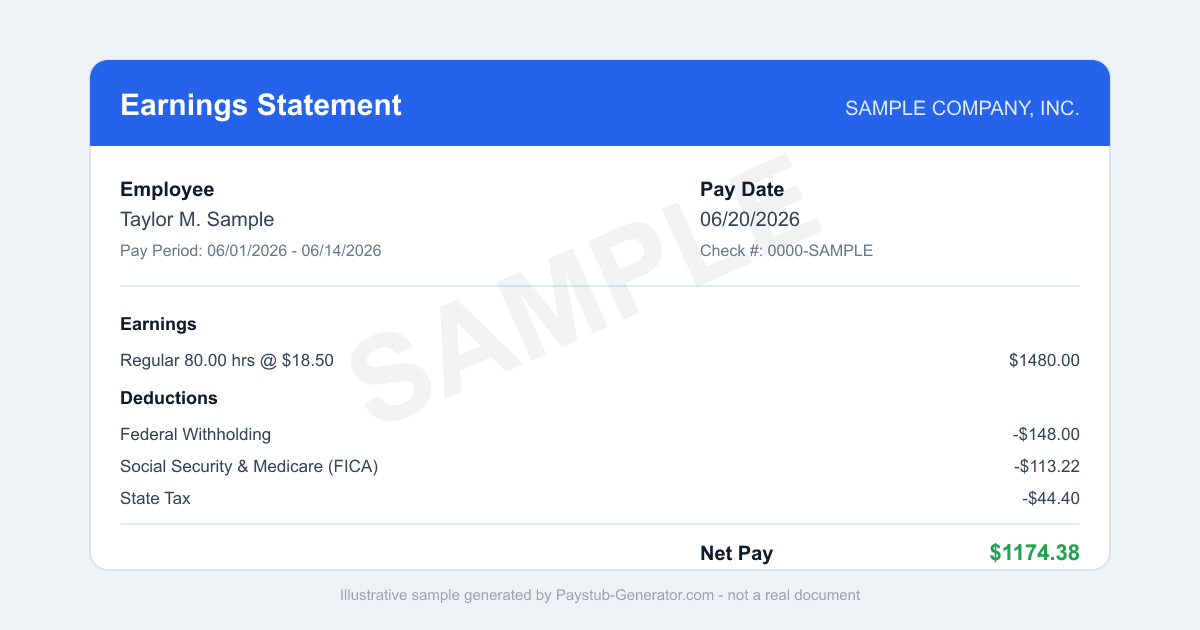
Need your H-E-B pay stub? Here's how to log in to H-E-B PartnerNet, download stubs and W-2s, use the app, and get copies after you leave.
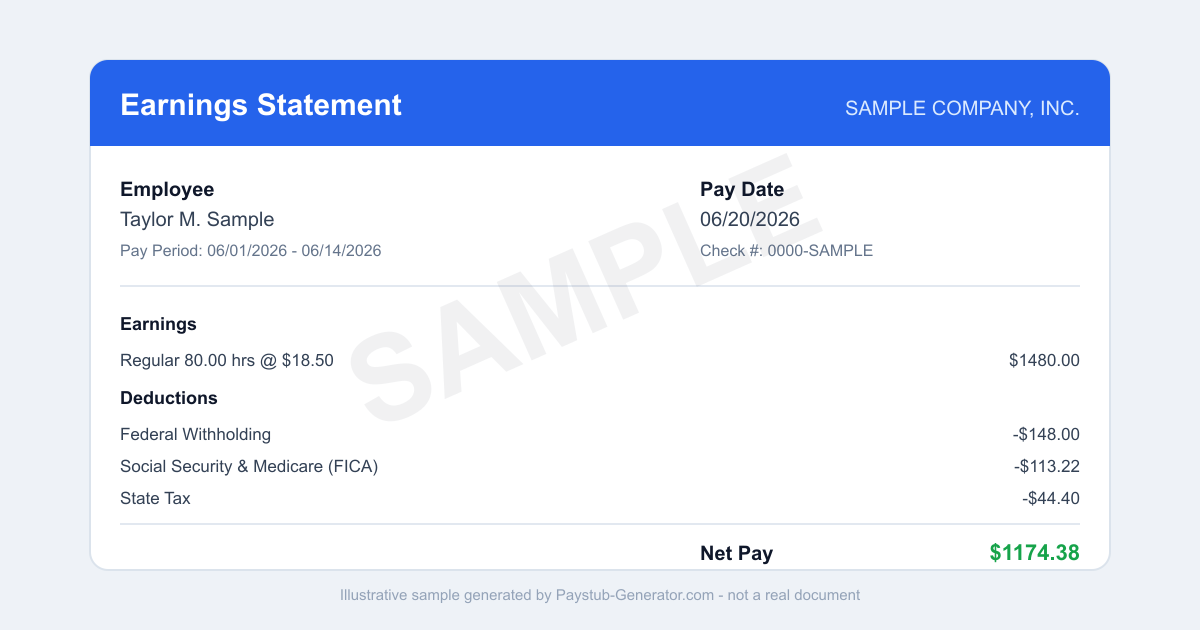
Short on time? You can also generate a professional pay stub in a couple of minutes instead of waiting on a portal.
You just finished a long shift, and now a landlord wants proof of your income. Or maybe you’re staring at a mortgage application, and they need your last three pay stubs. Either way, you need your H-E-B pay stub—and fast. It’s the official record of every dollar you earned, every hour you worked.
If you’re a current or former H-E-B Partner, that document lives inside the company’s employee portal. Finding it is straightforward once you know where to click. We’ll show you exactly how to get it, what to do if you’ve left the company, and a few simple tricks so you never lose access.
H-E-B runs its payroll through Oracle PeopleSoft HCM, and the employee self-service portal is called PartnerNet. Think of it as your one-stop shop for schedules, direct deposit, and—most importantly—your pay stubs.
How to Access Your H-E-B Pay Stub
Your official H-E-B pay stub is waiting inside the H-E-B PartnerNet portal. Here’s how to grab it, step by step:
-
Go to the PartnerNet URL. Open any browser on your computer, laptop, or phone. Type in hebpartnernet.com. That’s it—no searching through HEB.com, no guessing.
-
Log in with your Partner credentials. You’ll need your H-E-B Partner employee ID and your password. First time logging in? Use the “First Time User” link on the login page to set up your password. Your employee ID is usually printed on your first pay stub, or you can ask your store’s People Services team.
-
Navigate to the Payroll section. Once you’re in, look for a menu or tab labeled “Payroll,” “Pay,” or “Compensation.” In Oracle PeopleSoft HCM, pay stubs are often under “Pay Stub” or “View Paycheck.” Click that.
-
Select the pay period you need. You’ll see a list of recent pay stubs, organized by pay date. Click the one you want. The system will show you a detailed PDF or HTML version with your gross pay, deductions, net pay, and year-to-date totals.
-
Print or save the document. Click the print icon, or use your browser’s “Save as PDF” option. This is your golden ticket if you need to email the stub to a landlord or lender.
Want to see older stubs? The portal keeps a history. Look for a date range filter or a “View All” link. You can also grab your year-end tax forms (like your W-2) from the same payroll menu—just select “Tax Forms” or “W-2.”
Using the Mobile App
You don’t need a special app. PartnerNet is accessible from any browser on your phone. Just open Safari, Chrome, or whatever you use, type in hebpartnernet.com, and log in. The site is mobile-responsive, so it adjusts to your screen size.
Want even faster access? After logging in, look for a “Dashboard” or “Home” tab. You can customize it to show a pay-stub summary or a link to your most recent stub. Next time you log in, your earnings info is right there—no extra clicks.
What to Do If You’ve Left H-E-B
Left the company? No problem. You can still get your pay stubs and tax documents.
-
Access via HEB.com. Go to the Former Partners section on HEB.com. This area is designed for people who no longer work for H-E-B. You’ll need to create or log in to a guest account using your personal email address and some identifying info (like your former employee ID or Social Security number). From there, you can view and download past pay stubs and W-2s.
-
If online access has ended. Sometimes, after a certain period, your online access may expire. In that case, H-E-B mails W-2s to the address on file for you. Make sure your mailing address is current with H-E-B—if you moved, update it through the former Partners portal or call H-E-B’s People Services line. For pay stubs from years past, you may need to call H-E-B’s payroll support (available through the PartnerNet help desk) to request a mailed copy.
-
Important note for former Partners: Your pay stub history is still yours. The company keeps records for several years. So don’t panic if you forgot to save a stub before your last day.
Texas Final Paycheck Rules
Texas law has specific rules about when you must receive your final paycheck. If you’re a current or former H-E-B Partner in Texas, here’s what you need to know under Texas Payday Law:
-
If you are discharged (fired or laid off): H-E-B must pay you your final wages within six calendar days of your termination date. This includes all hours worked, accrued vacation time (if your store’s policy pays it out), and any other earned wages.
-
If you quit (resign): H-E-B must pay you your final wages by the next regular payday. For example, if you quit on a Tuesday and the next scheduled payday is Friday, you’ll get your check that Friday. If the payday is two weeks away, you wait until then.
These rules apply to all Texas employers, including H-E-B. If you believe your final paycheck is late or incorrect, you can file a wage claim with the Texas Workforce Commission. Keep a copy of your last pay stub as proof of what you were owed.
Smart Habits to Avoid Losing Access
One simple habit will save you headaches down the road: Set up your PartnerNet account with a personal email address that you control, not your store email. Store emails (like those ending in @heb.com or a store-specific domain) are often deactivated when you transfer to a different location or leave the company. If you use your personal Gmail, Yahoo, or Outlook account, you’ll still receive password reset links, notifications about pay stubs, and tax form availability even after your schedule changes or you move stores.
To update your email, log in to PartnerNet, go to “My Profile” or “Personal Information,” and change your contact email. Do this as soon as possible—even if you’re a current Partner. It takes two minutes and ensures you never lose access to your H-E-B pay stub history.
Your pay stubs are more than just numbers—they’re proof of your hard work and financial stability. By knowing how to find them on PartnerNet, keeping your contact info current, and understanding Texas final paycheck rules, you’ll always have the documents you need, when you need them.
Need a Pay Stub Right Now?
Can't wait on a portal? Generate a clean, professional pay stub in minutes with our calculator.
Generate a Pay StubFrequently Asked Questions
What is the H-E-B pay stub portal called?
It is called PartnerNet. It is H-E-B's employee hub for pay stubs, schedules, benefits, and company resources, and the payroll data behind it runs on Oracle PeopleSoft.
How do I create a PartnerNet account?
Choose Create Account on the PartnerNet login page and enter your details, including your name, date of birth, and the last four digits of your Social Security number, then pick a unique username (usually an email address).
Related Pay Stub Guides
Sources: H-E-B PartnerNet employee portal; Texas state labor department (final paycheck law). This guide is informational and not legal or tax advice.
This guide is part of our Payroll & Tax service — pay stubs, W-2s and payroll compliance tools.
Explore Payroll & TaxPayroll Knowledge Hub
Explore related essential payroll terminology, tax definitions, and documentation guides.
Part of our interconnected SEO topic cluster network.
Citations & Legal Sources
- H-E-B PartnerNet employee portal
- Texas state labor department (final paycheck law)