Wegmans Pay Stub: Access Guide for Current & Former Employees
Marcus Vance / Payroll Operations Editor
Reviewed by: Reviewed by the Paystub Generator Payroll Team
Legal Reviewer
Last Updated: July 10, 2026
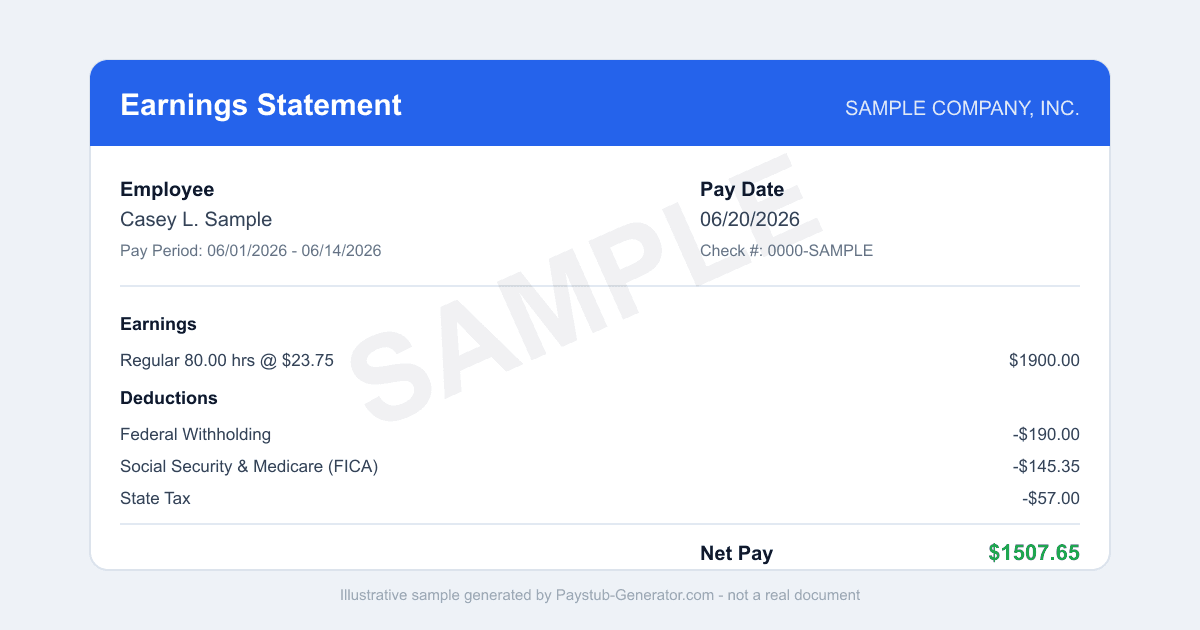
Need your Wegmans pay stub? Here's how to log in to My Wegmans Connect, download stubs and W-2s, use the app, and get copies after you leave.
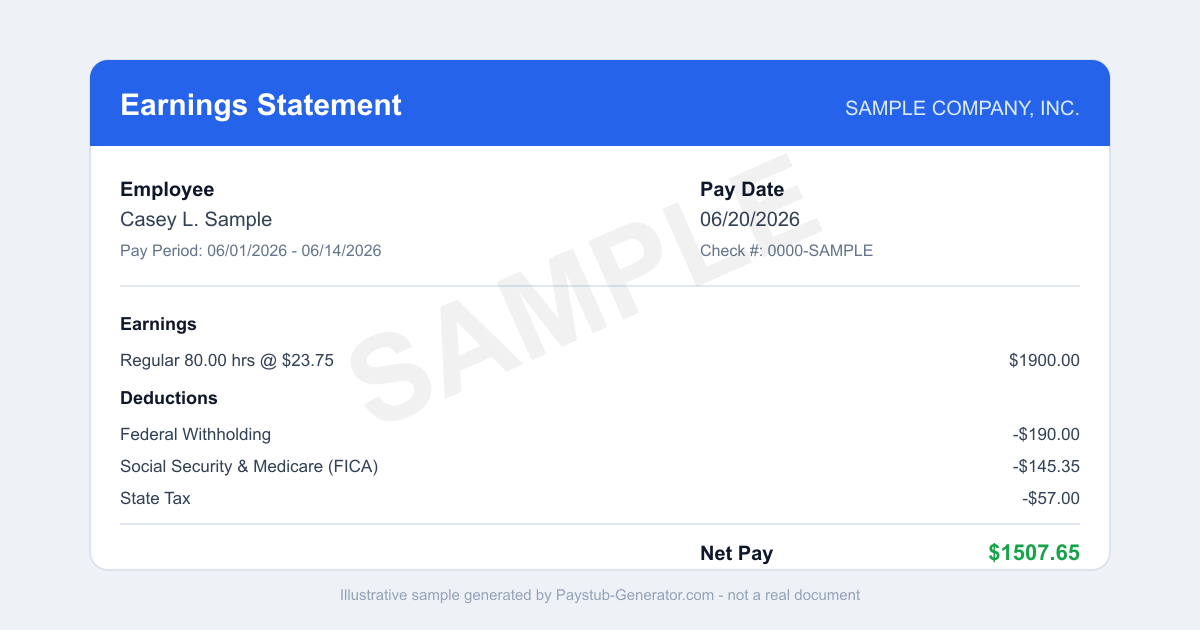
Short on time? You can also generate a professional pay stub in a couple of minutes instead of waiting on a portal.
You just finished a shift at Wegmans. Maybe you’re wiping down your station, or you’ve already changed out of your uniform. Then it hits you: you need a copy of your pay stub.
Maybe you’re applying for an apartment. Maybe you’re verifying income for a loan. Or maybe you just want to double-check your deductions. Whatever the reason, getting that document shouldn’t feel like another chore. Good news: Wegmans makes it pretty straightforward through its employee portal.
Whether you’re still clocking in or you’ve moved on to something new, this guide will walk you through exactly how to access your Wegmans pay stub. We’ll cover the online portal, the mobile app, what to do if you’ve left the company, and the specific rules that apply in New York—where Wegmans is headquartered. Let’s get you that document.
How to Access Your Wegmans Pay Stub
For current employees, the main way to view and download your Wegmans pay stub is through the company’s employee portal. Everything’s handled electronically, so you can check your pay from any device with internet access.
- Go to the Portal: Open your web browser and head to mywegmansconnect.com. That’s the official employee website for Wegmans.
- Log In: You’ll need your 7-digit Wegmans ID and the password you set during orientation. Can’t remember your password? No worries—there’s usually a "Forgot Password" link on the login page to reset it.
- Find Your Pay Stub: Once you’re logged in, look for a section labeled "Pay" or "My Pay." The exact wording might shift a little, but the pay area is where all your financial documents live.
- View and Download: Click on the pay period you want to see. A digital version of your pay stub will pop up. From there, you can usually download it as a PDF or print it directly. You can also grab your W-2 or tax documents in the same area during tax season.
A few things to keep in mind: Your Wegmans ID is the key to the portal. If you’ve never logged in before, you’ll need that ID and the initial password from orientation. If you’re stuck, your store’s HR or service desk can help you reset your credentials. Also, note that advanced HR stuff—like updating your direct deposit or tax withholding—is handled in a separate system called Workday. But for viewing pay stubs, mywegmansconnect.com is your one-stop shop.
Using the Mobile App
If you’d rather check your pay on the go, Wegmans has you covered. The My Wegmans Connect app is available for download on both iOS and Android devices. It’s built for employees—you can check your schedules and pay info right from your phone.
To use it, just download the app from your device’s app store, log in with the same 7-digit Wegmans ID and password you use for the website, and head to the pay area. The mobile app mirrors the website, so you’ll be able to view and download your pay stubs and W-2s directly to your phone. It’s a handy way to check your earnings between shifts without needing a computer.
What to Do If You’ve Left Wegmans
If you’re a former employee, things get a bit trickier. Access to My Wegmans Connect usually ends after you leave the company. That means you won’t be able to log in to the portal or the mobile app to grab old documents.
So how do you get a copy of a past pay stub or W-2? Your best bet is to call the company directly. Wegmans has a dedicated support line for former employees. You can call 1-800-WEGMANS and ask to be transferred to Payroll. When you talk to the Payroll team, be ready to verify your identity—they’ll likely ask for your name, dates of employment, and Social Security number.
Once they verify you, they can usually mail you a copy of your pay stub or tax document. Just keep in mind that this process takes time—it’s not an instant fix. If you need the document urgently, calling early in the week or during business hours may help speed things up.
New York Final Paycheck Rules
Since Wegmans is headquartered in New York, its payroll operations follow New York state law. If you leave Wegmans—whether you quit, retire, or are terminated—New York law says when you must get your final paycheck.
According to NY Labor Law 191, a departing employee must be paid all wages by the next regular payday for the pay period worked. This means you don’t get your final check on your last day. Instead, you’ll be paid on the same schedule as when you were employed. For example, if Wegmans pays every other Friday, and your last day falls on a Monday, you’ll receive your final pay on the next scheduled payday.
There are a few exceptions. If you’re fired, New York law requires that you be paid your final wages within a specific time frame—usually within six business days of termination. But in most voluntary departure cases, the "next regular payday" rule applies. It’s smart to know your store’s pay schedule so you can plan accordingly.
Smart Habits to Avoid Losing Access
The single most important thing you can do to avoid headaches later is to download your last several pay stubs and your most recent W-2 before your final shift. Because Wegmans access often ends the day you separate from the company, you won’t have another chance to log in and grab those documents.
Think of it like taking a picture of your keys before you leave the house—you do it now so you’re not locked out later. Make it a habit: whenever you’re thinking about leaving a job, or even just at the end of each year, log into mywegmansconnect.com and save digital copies of your pay stubs and tax forms to a secure folder on your computer or cloud storage. This way, you’ll always have them on hand for loan applications, taxes, or proof of income—without having to call 1-800-WEGMANS and wait for a mailed copy.
Getting your Wegmans pay stub is simple when you know where to look. Whether you’re a current employee using the portal or app, or a former employee reaching out to Payroll, the key is acting before your access is cut off. Save those documents now, and you’ll thank yourself later.
Need a Pay Stub Right Now?
Can't wait on a portal? Generate a clean, professional pay stub in minutes with our calculator.
Generate a Pay StubFrequently Asked Questions
Where do I find my Wegmans pay stub?
Log in to My Wegmans Connect with your 7-digit Wegmans ID and look for the pay, payroll, or tax-documents menu rather than expecting stubs on the homepage.
Can former Wegmans employees log in?
Usually not. My Wegmans Connect access commonly ends after separation, so call 1-800-WEGMANS and ask for Payroll, or wait for mailed copies.
Does Wegmans use Workday?
Yes, for advanced HR tasks like benefits and direct deposit. Day-to-day scheduling and pay viewing happen in My Wegmans Connect, which links out to Workday when needed.
Related Pay Stub Guides
Sources: My Wegmans Connect employee portal; New York (headquarters; also multi-state) state labor department (final paycheck law). This guide is informational and not legal or tax advice.
This guide is part of our Payroll & Tax service — pay stubs, W-2s and payroll compliance tools.
Explore Payroll & TaxPayroll Knowledge Hub
Explore related essential payroll terminology, tax definitions, and documentation guides.
Part of our interconnected SEO topic cluster network.
Citations & Legal Sources
- My Wegmans Connect employee portal
- New York (headquarters; also multi-state) state labor department (final paycheck law)