Trader Joe's Pay Stub: How to Get Yours (2026 Guide)
Marcus Vance / Payroll Operations Editor
Reviewed by: Reviewed by the Paystub Generator Payroll Team
Legal Reviewer
Last Updated: July 10, 2026
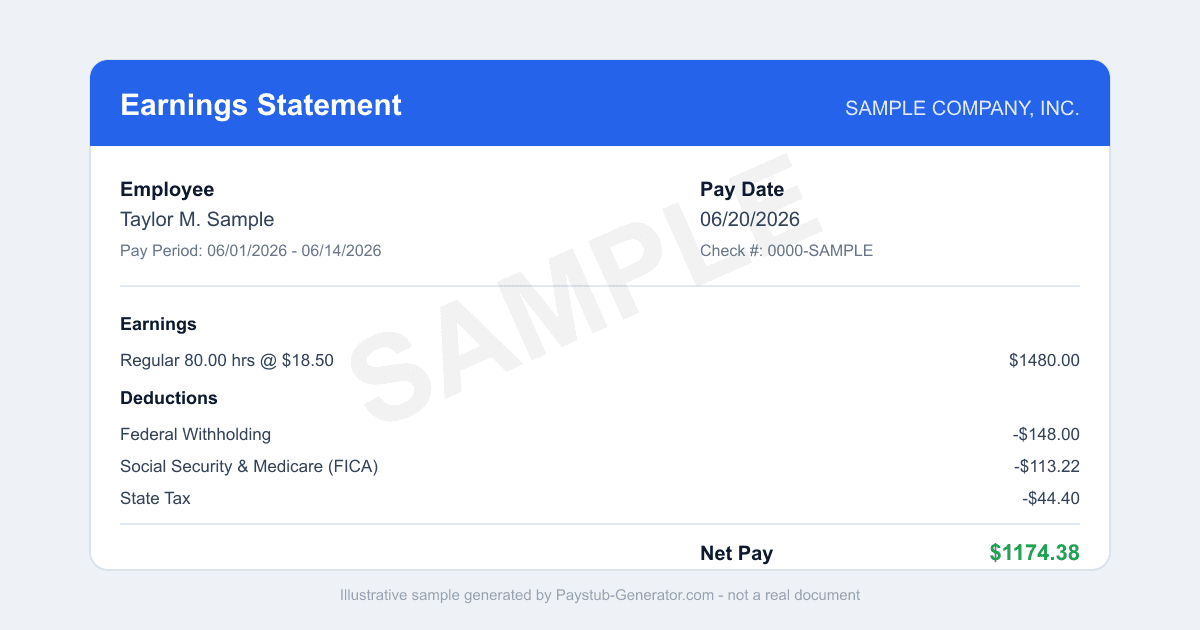
Need your Trader Joe's pay stub? Here's how to log in to Dayforce, download stubs and W-2s, use the app, and get copies after you leave.
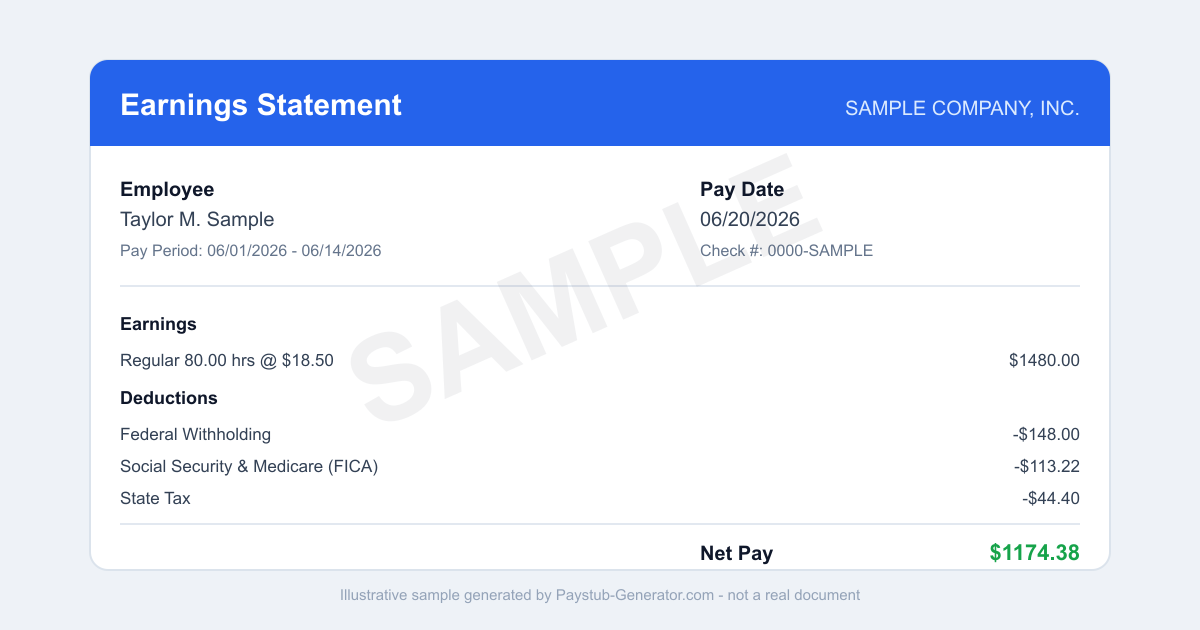
Short on time? You can also generate a professional pay stub in a couple of minutes instead of waiting on a portal.
You just finished a shift at Trader Joe’s—restocking shelves, ringing up happy customers, maybe chatting about the latest cookie butter. Now you want to check your earnings. Maybe you’re budgeting for rent. Maybe you’re verifying a direct deposit. Or maybe a landlord wants proof of income for an apartment application.
Whatever the reason, you need your Trader Joe’s pay stub—and you need it fast.
Good news: Trader Joe’s uses a straightforward digital system called Dayforce to store all your pay documents. Whether you’re a current crew member or you’ve moved on to another adventure, grabbing those stubs is simpler than you might think. Let’s walk through exactly how to access them, what to do if you’ve left the company, and how California law protects your final paycheck.
How to Access Your Trader Joe’s Pay Stub
Your pay stubs live in Dayforce—the self-service portal Trader Joe’s uses for payroll, scheduling, and HR tasks. It’s the same place you set up direct deposit and view your time punches. Here’s how to log in and pull up your stubs:
-
Go to the Dayforce login page. Open a browser on your computer, phone, or tablet and head to traderjoes.dayforcehcm.com. That’s the official portal for all crew members.
-
Enter your login credentials. Use the Trader Joe's Dayforce username and password you created during onboarding. Never logged in before? You should’ve gotten a temporary password from your store’s captain or HR rep. Forgot your password? Click “Forgot Password” on the login page to reset it via your email on file.
-
Find your pay stubs. Once you’re in, look for the “Pay” or “Pay Stubs” section. The exact label might vary a little, but it’s usually in the main menu or dashboard. Click it to see a list of all your pay periods. Each entry shows the pay date, gross pay, and net pay.
-
View or download a specific stub. Click the pay period you want to review. Dayforce will show a detailed PDF of your pay stub—hours worked, deductions (like taxes and benefits), and year-to-date totals. From there, you can print it, save it to your computer, or email it to yourself. You’ll also find your annual W-2 statements here, typically posted in January.
That’s it. The whole process takes about two minutes once you’re logged in. If you’re a current crew member, you can access stubs from any pay period you’ve worked at Trader Joe’s.
Using the Mobile App
On the go? Maybe between shifts or on your lunch break? The Dayforce mobile app is a lifesaver. It’s free on both iOS and Android. Just search “Dayforce” in your app store and download it.
Once installed, open the app and log in with the same Trader Joe's Dayforce username and password you use on the website. The app layout is similar to the desktop version, so you’ll find your pay stubs under the “Pay” section. You can view them right on your phone screen, or tap the download icon to save a PDF to your device. The app is perfect for quick checks—like verifying a recent deposit—without needing to fire up a computer.
What to Do If You’ve Left Trader Joe’s
If you’ve moved on from the neighborhood market, you still have options. Trader Joe’s is generally good about keeping former crew members in the system. Former crew members often retain Dayforce access to retrieve W-2s after leaving, so try logging into traderjoes.dayforcehcm.com with your old credentials. If your account is still active, you’ll see all your past pay stubs and tax forms.
If your Dayforce access has ended—maybe the company deactivated your login after a while—don’t panic. You have two reliable paths:
- Request paper copies by mail. Trader Joe’s will mail paper copies of your pay stubs and W-2s to the address they have on file. To make this request, contact your former store's HR or Crew leadership. Call the store directly and ask to speak with the captain or the person handling crew records. They’ll need your full name, dates of employment, and current mailing address.
- Check your personal records. If you saved PDFs during your time at Trader Joe’s (more on that below), you’ll already have everything you need.
For W-2s specifically, Trader Joe’s is legally required to mail them to your last known address by January 31 each year. If you’ve moved, update your address with the company as soon as possible. The fastest way is to call your former store’s HR.
California Final Paycheck Rules
Trader Joe’s is headquartered in California and employs a massive workforce there, so it’s important to know your rights under state law. California has some of the strictest final paycheck rules in the country, and they apply to every employer operating in the state—including Trader Joe’s.
-
If you are fired or laid off: Your final paycheck—including all wages, accrued vacation time, and any other owed compensation—must be paid immediately at the time of termination. That means your last check should be handed to you on your last day. No waiting. This is covered under California Labor Code 201-202.
-
If you quit without giving at least 72 hours’ notice: Trader Joe’s has up to 72 hours to pay you your final wages. So if you walk out on a Friday, they must have your check ready by the end of the next business day (or within 72 hours, whichever is sooner).
-
If you give proper notice (72 hours or more): Your final paycheck is due on your last day of work.
Your final pay stub from Trader Joe’s will show the same details as any regular stub, plus any accrued but unused paid time off (if you had any). If you believe your final check is late or incorrect, you can file a wage claim with the California Division of Labor Standards Enforcement (DLSE). But in most cases, Trader Joe’s follows the law closely. Keep your contact info current, and you should get what you’re owed.
Smart Habits to Avoid Losing Access
Here’s the one habit that will save you headaches down the road: Download and save a PDF of every pay stub and your W-2 the moment it posts in Dayforce. Don’t wait. Don’t assume you’ll remember to do it later. Set a recurring reminder on your phone for payday.
Why? Because portals change. Companies switch payroll providers. Your Dayforce login might be deactivated years after you leave. If you have a local backup—on your computer, an external drive, or a cloud service like Google Drive or Dropbox—you’ll never be locked out. You’ll have your proof of income for loan applications, tax filings, or even a future job that needs verification of past earnings.
Think of it this way: A pay stub in Dayforce is a loan. A pay stub on your hard drive is yours forever.
You’ve earned your pay. You deserve easy access to the record of it. Whether you’re logging into traderjoes.dayforcehcm.com for the first time or calling your old store for a W-2, the steps are straightforward. And if you’re in California, know that the law has your back on final pay. Take a few minutes today to download your stubs and set that reminder. Future you will thank you.
Need a Pay Stub Right Now?
Can't wait on a portal? Generate a clean, professional pay stub in minutes with our calculator.
Generate a Pay StubFrequently Asked Questions
Can I still get my Trader Joe's pay stub after I quit?
Often yes. Many former crew members keep Dayforce access long enough to download their W-2 and recent stubs. If your login no longer works, Trader Joe's will mail your W-2, or you can ask your former store's Crew leadership to route a payroll request.
Does Trader Joe's use an app for pay stubs?
Yes. The Dayforce mobile app (iOS and Android) shows the same pay stubs and tax documents as the web portal, so you can view and download a PDF from your phone.
When are Trader Joe's W-2s available?
W-2s are typically posted in the Year-End or Tax Documents area of Dayforce by late January. Check the tax-documents section rather than the main pay screen.
Related Pay Stub Guides
Sources: Dayforce employee portal; California (headquarters; also nationwide) state labor department (final paycheck law). This guide is informational and not legal or tax advice.
This guide is part of our Payroll & Tax service — pay stubs, W-2s and payroll compliance tools.
Explore Payroll & TaxPayroll Knowledge Hub
Explore related essential payroll terminology, tax definitions, and documentation guides.
Part of our interconnected SEO topic cluster network.
Citations & Legal Sources
- Dayforce employee portal
- California (headquarters; also nationwide) state labor department (final paycheck law)