In-N-Out Pay Stub: How to Get Yours on the INO Associate Portal
Marcus Vance / Payroll Operations Editor
Reviewed by: Reviewed by the Paystub Generator Payroll Team
Legal Reviewer
Last Updated: July 10, 2026
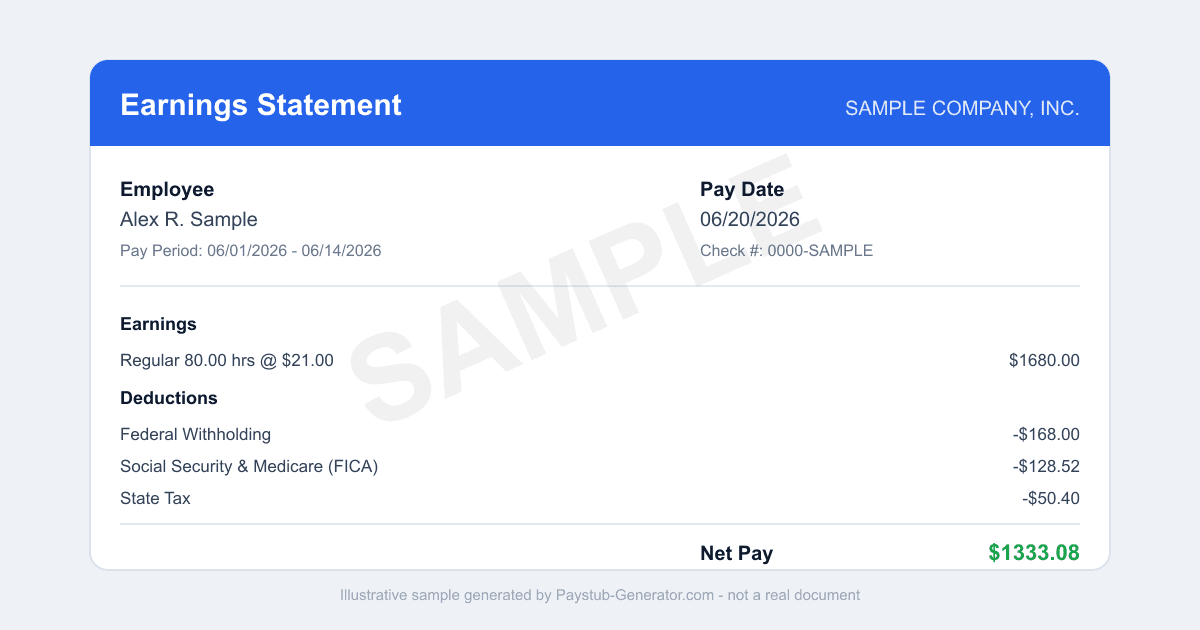
Need your In-N-Out Burger pay stub? Here's how to log in to INO Associate portal, download stubs and W-2s, use the app, and get copies after you leave.
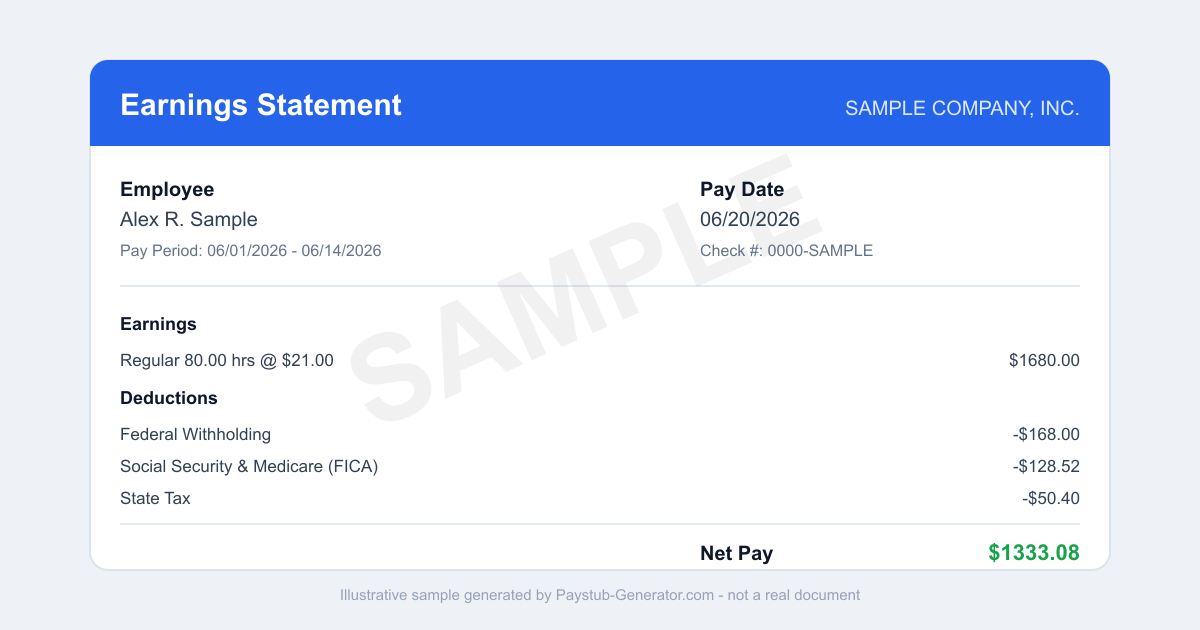
Short on time? You can also generate a professional pay stub in a couple of minutes instead of waiting on a portal.
You left the drive-thru an hour ago, and now your landlord wants proof of income. Or maybe you’re just trying to see if that overtime actually hit your check. Either way, you need your In-N-Out pay stub — fast.
You work a precise, high-speed job. Your payday should feel just as smooth. Whether you’re a new hire still learning the spread or a seasoned associate keeping the line moving, having clear access to your earnings, deductions, and year-to-date totals helps you budget, prove your income, and catch mistakes before they become a headache.
Good news: In-N-Out gives you a straightforward online system for viewing pay stubs and W-2 forms. This guide walks you through logging in, what to do if you’ve left the company, and what California law says about your final paycheck. Plus, one practical tip to keep you from losing access later.
How to Access Your In-N-Out Pay Stub
In-N-Out uses a single sign-on portal called the INO Associate portal. It’s the central hub for all your pay documents. You can get to it from any computer, tablet, or phone with internet. Here’s how.
Step 1: Go to the portal. Open your browser and head to associate.innout.com. Bookmark it — you’ll be back every payday.
Step 2: Log in with your associate credentials. Your username is your associate number — the same one you use for scheduling. Your password is one you set yourself (it’s different from your store PIN, so don’t use your register code). First time logging in? You’ll need to create a password using your associate number, date of birth, last four digits of your Social Security number, last name, and zip code. Keep that info handy when you set up your account.
Step 3: Find your pay stub. Once you’re in, look for a section labeled “Pay Stubs,” “My Pay,” or “Documents.” The wording might vary a little, but the portal is built to be easy to use. Click the most recent pay period to view your stub. You can also scroll back to see older ones.
Step 4: View or download your document. Your pay stub will show up as a PDF or a web page. Read it right there, or download it to your device and print it. Lots of associates save a copy to their phone or computer for record-keeping.
Step 5: Check for W-2s annually. The same portal stores your W-2 forms each year. Around tax season, log in and look for a “Tax Forms” or “W-2” section. Download and print them for filing your taxes.
That’s it. The INO Associate portal updates with a new pay stub each payday, so you never have to wait for a paper copy.
Using the Mobile App
Prefer checking your pay on the go? In-N-Out offers the INO Associate mobile app. It’s available for both iPhone and Android. Search for “INO Associate” in the App Store or Google Play Store.
Once installed, log in with the same associate number and password you use on the website. The app gives you the same pay stub and W-2 access, but in a mobile-friendly format. Perfect for checking your hours or earnings during a break or right after your shift ends. Just remember: your login credentials stay the same — your associate number is your username, and your password is separate from your store PIN.
What to Do If You’ve Left In-N-Out
If you’ve separated from In-N-Out, your online access changes. Here’s the key fact: Only active associates can view pay stubs online through the INO Associate portal. Once you leave, you can’t log in anymore.
Need a copy of a pay stub from your time at In-N-Out after you’ve left? Here are your options:
- Request copies from your store manager. Your former store manager can print past pay stubs for you. Call or visit the store and ask politely. Be ready with your name, associate number, and the dates you worked.
- Contact In-N-Out payroll directly. If the store manager can’t help, or if you need records from multiple locations, reach out to In-N-Out’s corporate payroll department. They can provide official copies.
- Watch for your mailed W-2. In-N-Out will mail your W-2 to the address they have on file each January. Make sure your address is current with the company, even after you leave. Update it as soon as you move so you don’t miss tax documents.
Best practice: download and save all your pay stubs and W-2s while you’re still an active associate. That way, you have a permanent copy on your own device, and you won’t have to request them later.
California Final Paycheck Rules
In-N-Out is headquartered in California and operates in several states — Arizona, Nevada, Texas, Utah, Colorado, Oregon, and Idaho. The rules for your final paycheck depend on where you work. But since the company is based in California and many associates work there, you need to know California law.
Under California Labor Code 201-202, your final paycheck must be paid based on how you leave the job:
- If you are fired or laid off: Your final wages are due immediately. Your employer must pay you all earned and unpaid wages at the time of termination, typically the same day.
- If you quit without notice: Your final wages are due within 72 hours. If you give at least 72 hours’ notice before quitting, your final paycheck is due on your last day of work.
This law covers all earned wages — overtime, bonuses, or accrued vacation time that In-N-Out policy says you’re entitled to. If your final paycheck is late, you may be entitled to waiting-time penalties of up to 30 days of pay. Questions about your final paycheck? Contact the California Division of Labor Standards Enforcement (DLSE) or speak with a legal professional.
Work in another state where In-N-Out operates? Check that state’s final paycheck law. Texas and Nevada have different rules and deadlines. Always look up your specific state’s labor code.
Smart Habits to Avoid Losing Access
The easiest way to avoid payday frustration is to set up your INO Associate portal password early. Set up your INO Associate password before your first payday using your associate number, date of birth, last four of your SSN, last name, and zip code. That way, you won’t be scrambling to log in when your first pay stub drops. It takes just a few minutes, and it saves you from calling support or waiting for a reset email.
Also, make it a habit to download every pay stub to your personal device. Store them in a secure folder on your computer or in a cloud service like Google Drive or iCloud. That gives you a backup that stays with you even if you leave In-N-Out. And check your pay stub each payday for accuracy — verify your hours, hourly rate, and any deductions. Catching a mistake early is way easier than fixing it weeks later.
Finally, keep your contact information updated with In-N-Out. If you move or change your phone number, update your address in the system. This ensures you receive your W-2 by mail each year, even if you’re no longer an active associate.
Your pay stub is more than just a piece of paper — it’s proof of your hard work and a record of your earnings. By logging into the INO Associate portal at associate.innout.com, using the mobile app, and following these steps, you can always stay on top of your pay. And if you ever leave In-N-Out, you’ll know exactly how to get the documents you need. Take a few minutes today to set up your account and save your first pay stub — your future self will thank you.
Need a Pay Stub Right Now?
Can't wait on a portal? Generate a clean, professional pay stub in minutes with our calculator.
Generate a Pay StubFrequently Asked Questions
How do I set up my In-N-Out pay stub login?
On associate.innout.com choose Set Up Password and enter your date of birth, associate number, last four of your SSN, last name, and zip code. Your username is your associate number.
Can I see my In-N-Out pay stub after leaving?
Only active associates can log in to the INO Associate portal. After separation, ask your store manager or In-N-Out payroll for copies, and expect your W-2 by mail.
What if I cannot print my pay stub?
If you do not have a computer and printer, tell your manager. In-N-Out managers can help associates print pay stubs from the portal.
Related Pay Stub Guides
Sources: INO Associate portal employee portal; California (headquarters; also AZ, NV, TX, UT, CO, OR, ID) state labor department (final paycheck law). This guide is informational and not legal or tax advice.
This guide is part of our Payroll & Tax service — pay stubs, W-2s and payroll compliance tools.
Explore Payroll & TaxPayroll Knowledge Hub
Explore related essential payroll terminology, tax definitions, and documentation guides.
Part of our interconnected SEO topic cluster network.
Citations & Legal Sources
- INO Associate portal employee portal
- California (headquarters; also AZ, NV, TX, UT, CO, OR, ID) state labor department (final paycheck law)