
How to Create a Certificate of Completion People Actually Trust
Marcus Vance / Payroll Operations Editor
Reviewed by: Reviewed by the Paystub Generator Editorial Team
Legal Reviewer
Last Updated: August 29, 2026
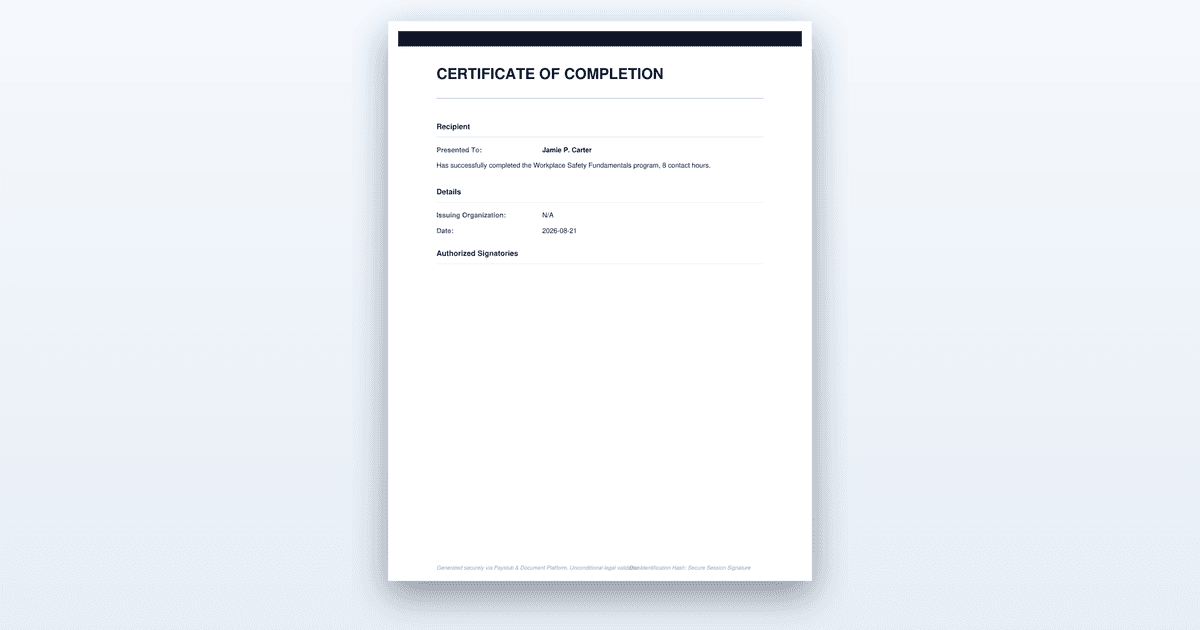
Build a certificate of completion that stands up to an audit: required fields, wording that does not overclaim, and the record behind it.
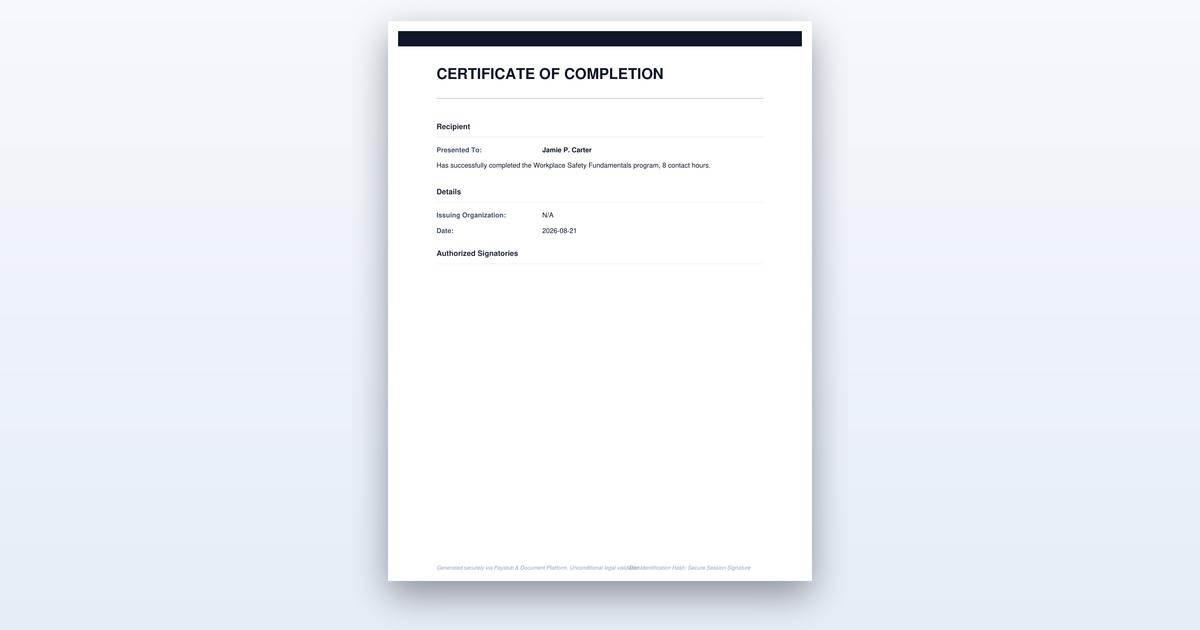
Short on time? You can also create the document you need in just a couple of minutes.
Key Takeaways
- •Completion, attendance, competency, and certification are distinct claims and the wording must match the one you can support.
- •Regulated training frequently requires contact hours or CEUs, the instructor's name and credential, and an expiry date on the face of the certificate.
- •A unique certificate number tied to your records is what makes the document verifiable.
- •The training record behind the certificate is what an auditor asks for; the certificate alone proves little.
How to Create a Certificate of Completion That Holds Up to Scrutiny
Creating a certificate of completion people actually trust takes about an hour of focused work once you have the right details in hand, and it boils down to six steps: deciding what you are legally proving, collecting the required fields, writing precise wording, laying out the document, adding a verification number, and issuing it with a durable audit trail. The goal is a document that a regulator, employer, or licensing board can check and confirm without calling you. The certificate is the cover sheet; the training record underneath is what makes it real.
Before You Start
You need four things in hand before you open a design tool or a template. First, the recipient's full legal name exactly as it appears on their ID or employment record — a nickname or a shortened version can invalidate the document for licensing purposes. Second, the exact title of the course or program as it appears in your catalog or syllabus, along with the contact hours or CEUs if the training is regulated. Third, the completion date and the attendance or assessment record that supports it; you cannot issue a certificate for a date you cannot prove. Finally, you need the name and title of the person with authority to sign on the organization's behalf, and their actual signature or digital equivalent.
If you start without the training record, you are building a document that will fail the first time anyone audits it. The roster, the sign-in sheet, the test scores, and the instructor's credentials are the substance; the certificate is just the presentation. Gather those first, and the certificate writes itself. If you start without a defined signatory, you will end up with a certificate that either goes unsigned or gets signed by someone who had no authority, which is worse than no certificate at all.
Step-by-Step: Creating a Certificate of Completion
Step 1: Decide Precisely What the Certificate Is Proving
The single most important decision happens before you type a single name. You must choose which claim the certificate makes: attendance, completion, competency, or certification. These are four different legal and practical statements, and mixing them up is how a well-meant document becomes a liability. Attendance means the person was in the room; it says nothing about whether they absorbed anything. Completion means they finished the program — attended, submitted the work, or sat through the hours required. Competency means they were tested and demonstrated skill, which implies an assessment instrument exists. Certification is the strongest claim of all; it usually requires an accrediting body, a governing statute, or a professional board behind it, and it carries ongoing obligations like renewal or continuing education.
Choose the narrowest claim that is true. If your course had no final exam and no skills check, you cannot issue a competency certificate. If you are not an accredited provider recognized by a state board, you cannot issue a certification. A completion certificate is the honest, defensible default for most training, and it is the one that survives scrutiny because it matches the evidence you actually have. Write down the claim you are making on a scrap of paper before you proceed, and do not deviate from it in the wording.
How do you know you got this right? Ask yourself what a skeptical auditor would ask for to support the claim. If the answer is "a sign-in sheet," you have an attendance claim. If the answer is "a passing test score," you have a competency claim. If the answer is "a state license number," you have a certification claim. Match the evidence to the word on the certificate, and you are on solid ground.
Step 2: Collect the Fields the Certificate Has to Carry
Every certificate needs a minimum set of fields, and regulated training adds more. The non-negotiable core is five items: the recipient's full legal name, the exact program title, the completion date, the issuing organization's legal name, and an authorized signature. Without any one of these, a reviewer cannot verify the document against your records, and the certificate is effectively worthless.
Regulated industries stack more requirements on top of that core. If you are issuing certificates for continuing education, safety training, healthcare, or any field governed by a licensing board, you will typically need the contact hours or CEUs earned, the instructor's name and credential, and sometimes an expiry date printed on the face of the document. Some states require the certificate to state the accrediting body's name or the specific regulation the training satisfies. Do not guess at these; check your state's labor department or the relevant professional board's website for the exact field list, because a missing CEU number can void the certificate for the recipient.
The judgement call here is knowing where to find the authoritative field list. Your course syllabus is a start, but the regulator's published requirements are the final word. If you are a construction safety trainer, look at OSHA's requirements. If you are a nursing CE provider, look at your state board of nursing's rules. The certificate must carry every field the regulator expects, or the recipient cannot use it. You know you have finished this step when you can point to each field on your draft and justify why it is there.
Step 3: Write Wording That Does Not Overclaim
The wording between the header and the signature is where certificates go to die. The phrase "has successfully completed" is accurate, defensible, and appropriate for a completion document. The phrase "is certified in" is a different and much stronger statement that usually requires an accrediting body, a statute, or a board behind it. If you do not have that authority, do not use the word "certified" anywhere on the document.
Write the body in plain, declarative sentences. State the recipient's name, the program title, the date of completion, and the hours earned. Avoid adjectives like "excellent" or "outstanding" — they are subjective and irrelevant to a verifier. Avoid "this certifies that" if you are not actually certifying anything; "this confirms that" or "this records that" is more honest. The goal is a document that reads like a legal record, not a marketing piece, because that is what it is.
The failure mode here is copying a template from the internet that says "is hereby certified as a [whatever]" when your program has no accreditation. That one word turns a completion record into a false claim, and if the recipient uses it to get a job or a license, the liability lands on you. Proofread the body aloud and ask whether every claim is supportable by the records you collected in Step 2. If a sentence makes you hesitate, cut it.
Step 4: Lay It Out So the Important Fields Are Unmistakable
A reviewer should be able to find the recipient's name, the program title, and the date within three seconds of looking at the document. Those three fields carry the verification weight, so give them the visual prominence they deserve. The name should be the largest text on the page after the header, the program title should be clearly legible, and the date should not be buried in a footer.
A seal, a border, and a decorative script are conventional, but they are secondary to legibility. A gold foil seal means nothing to a licensing board if the name is in a font they cannot read or the date is missing. Use a standard serif or sans-serif typeface for the critical fields, keep the font size at 12 points or larger for the name and date, and leave white space around the signature line so it is obvious where the authority signs. If you are using a digital signature, make sure it is a proper cryptographic signature or a scanned image of a wet signature, not a typed name in a script font.
The judgement call is how much decoration to add. A plain, clean document is more credible than a busy one, because it looks like a record rather than a souvenir. Match the formality to the industry — a corporate training certificate can be simple, while a healthcare CE certificate should carry the regulator's logo if they provide one. You know the layout works when you can print it in grayscale, remove the seal, and still identify every critical field at a glance.
Step 5: Add a Unique Certificate Number and a Way to Verify It
A certificate without a number is a decoration; a certificate with a number is a record. Assign a unique identifier to every certificate you issue, whether it is sequential (2025-001, 2025-002) or coded (a prefix for the course, a year, and a sequence). That number ties the document to your training record, and it is what a third party can cite when they call or email to verify.
Print the number prominently on the certificate, and state on the document itself how someone can verify it. That can be an email address, a phone number for your records office, or a URL to a verification page on your website. If you use a URL, make sure the page actually works and is kept current; a dead link is worse than no link because it signals that the issuing organization does not maintain its records. For a higher level of trust, consider a QR code that links to a verification page, but never rely on the QR code alone — always include a human-readable verification method.
The judgement call is how much verification infrastructure to build. For a small training provider, a shared spreadsheet or a simple database with the certificate numbers, names, and dates is sufficient. For a larger organization, a dedicated verification page is worth the effort. The standard is simple: a verifier must be able to confirm that the certificate number exists, matches the name on the document, and corresponds to a course you actually ran. You know this step worked when you can take a random certificate from your stack, look up the number in your records, and find the matching entry in under a minute.
Step 6: Issue It in a Durable Format and Keep the Underlying Record
Issue the certificate as a locked PDF. A locked PDF cannot be edited, which protects both you and the recipient from accidental alteration, and it is the format that every licensing board and employer can open. Print it on paper with a seal if the industry expects a physical document, but the PDF is the master record. Do not issue editable Word documents or unprotected files; they invite tampering and undermine the document's credibility.
The underlying record is what an auditor actually asks for. The certificate alone proves little; it is the roster, the sign-in sheet, the assessment results, the instructor's credentials, and the hours log that carry the evidence. Keep those records for at least as long as your industry's retention rule requires, and note that retention periods can run for years after employment ends — some regulated industries require five years, some ten, and some indefinitely. Check your state's labor department or your industry association for the specific retention requirement, and store the records somewhere they will survive staff turnover.
The judgement call is how long to keep what. At a minimum, keep the certificate number, the recipient's name, the course title, the completion date, and the supporting attendance or assessment record. If the training is regulated, keep the instructor's credentials and the course syllabus too. The cost of storage is trivial; the cost of an audit finding that you destroyed records is not. You know this step is complete when you can produce the full record for any certificate you have ever issued, on demand, without scrambling.
Where People Get This Wrong
The most common failure is using the word "certified" when the program has no accreditation behind it. A small business coach or a safety trainer who copies a template from a search engine and issues "Certified [Topic] Professional" certificates creates a false claim that collapses the first time a recipient's employer calls the issuing organization to verify. The fix is to match the wording to the evidence: if you cannot produce a test score or a governing board's recognition, the word is "completed," not "certified."
The second failure is issuing certificates without a unique number or a verification path. A certificate that cannot be checked is treated as a forgery by default, especially in regulated industries. The consequence is that recipients cannot use the document for their license renewal or job application, and your organization looks unserious. The fix is the five-minute job of adding a sequential number and a contact email to the template before you issue anything.
The third failure is throwing away the underlying training records after a few years. Retention rules exist for a reason, and an auditor who finds no roster, no sign-in sheet, and no assessment results will assume the training never happened, regardless of what the certificate says. The consequence can be a citation, a fine, or a requirement to redo the training. The fix is to set a retention calendar based on your industry's rule and keep the records in a place that survives employees leaving.
The fourth failure is a layout that buries the critical fields. A certificate with the recipient's name in a tiny script font, the date in a footer, and no program title is unverifiable in practice, even if all the information is technically present. The consequence is that a reviewer cannot confirm the document matches the record, so they reject it. The fix is the three-second test: show the certificate to a stranger and ask them to find the name, the program, and the date.
Worked Example
Let us walk through a realistic scenario so you can see the whole process in action. Imagine you are Maria, the training coordinator at a mid-sized electrical contracting company in Texas. Your state requires every employee who works on job sites to complete a 10-hour OSHA construction safety course, and you have just run one for six new hires. You are issuing certificates for that course, and you know an OSHA inspector could show up at any time to review your training records.
You start with Step 1. The course had a sign-in sheet and a final quiz that everyone passed, but it was not a competency assessment and you are not an OSHA-authorized trainer — you used a certified instructor's recorded video. So the claim is completion, not competency and not certification. You write "has successfully completed the 10-Hour OSHA Construction Safety Outreach Training" on your scratch pad, and you commit to that wording.
For Step 2, you gather the fields. The six names come from their I-9s, not their preferred nicknames. The program title is "10-Hour OSHA Construction Safety Outreach Training," and the course record shows 10 contact hours. The completion date is the last day of the course, and you are the signatory because your job description and company policy authorize you to sign training records. You check OSHA's requirements and confirm the certificate should carry the course title, the hours, the date, and the instructor's name.
For Step 3, you write the body. "This confirms that John Michael Rodriguez has successfully completed the 10-Hour OSHA Construction Safety Outreach Training, comprising 10 contact hours, on March 15, 2025." You deliberately avoid "certified" because you are not an OSHA-authorized trainer and the course is outreach, not certification. You print the instructor's name and their OSHA trainer card number on the certificate because the regulation expects it.
For Step 4, you lay out the document. John's name is in 16-point bold type, the course title is in 12-point regular type, and the date sits immediately below the title. The OSHA logo is at the top, your company's name is at the bottom above your signature line, and there is a thin border around the page. You print a test copy and confirm you can read every field in grayscale.
For Step 5, you assign certificate number 2025-OSHA-014 to John's document. You update your training spreadsheet with that number, John's name, the course title, the date, and the hours. On the certificate itself, you add a line under the signature: "Verify this certificate at trainingrecords@examplecompany.com or by calling (555) 010-2233." You test the email address and confirm it reaches your inbox.
For Step 6, you export the certificate as a locked PDF, email it to John, and file a physical copy in his personnel folder. You also file the sign-in sheet, the quiz scores, the instructor's trainer card copy, and the course roster in a labeled folder marked "OSHA Training Records — Retention 5 Years." You set a calendar reminder to purge those records in March 2030, five years after the training date, which is the retention period your company attorney recommended for Texas OSHA records.
The result is a certificate that an OSHA inspector can verify in minutes: the number matches the spreadsheet, the name matches the roster, the hours match the sign-in sheet, and the instructor's credential is on file. John can use it for his employer's records, and you have a defensible audit trail. This is the difference between a certificate that is a piece of paper and one that is proof.
When to Get Professional Help
If you are issuing certificates for a regulated profession — healthcare, law, accounting, real estate, finance, or any field where a state board issues licenses — and you are not certain of the exact wording, field requirements, or retention rules, stop and consult a lawyer or the board itself. A single overclaiming word can expose you to liability, and a missing field can void the certificate for the recipient. Likewise, if you are setting up a certification program from scratch that claims to confer a professional credential, you need an attorney to review the program structure and an accountant to advise on the record-keeping obligations. The cost of a consultation is trivial compared to the cost of a regulatory citation or a lawsuit. This guide is general information, not legal or tax advice, and your specific situation may require professional judgment.
The Bottom Line
A trustworthy certificate of completion is a record, not a decoration: it makes a narrow, supportable claim, carries the fields a verifier expects, and sits on top of a training record that proves it. Spend your effort on the wording and the audit trail, not the graphics. If you can produce the supporting documentation for any certificate you issue within a minute, you have done the job right.
Frequently Asked Questions
What has to appear on a certificate of completion?
The recipient's full name, the program title, the completion date, the issuing organization, and an authorized signature at minimum. Regulated training usually adds hours or CEUs and the instructor's credential.
Is a certificate of completion the same as a certification?
No. Completion means the person finished the program. Certification means an accrediting body has assessed competency against a standard. Using the second word when you mean the first misrepresents the credential.
How long should I keep the training records?
It depends on the industry rule that applies to you. Several safety and health standards require records to be kept for years after the training, and some run past the end of employment.
Authoritative References
The rules described here come from the agencies that set them. Check the current text before you rely on a deadline or a figure:
Related Guides
- Are Employee Awards Gift Certificates Taxable? IRS Rules
- Award Certificate: The Ultimate Guide to Recognizing Excellence
- OSHA bloodborne pathogens training documentation rules
- How to Write a Certificate of Appreciation That Means Something
Sources: Paystub-Generator.com editorial team. This guide is informational and not legal or tax advice.
This guide is part of our Certificates service — award, achievement and completion certificates.
Explore CertificatesCertificates & Awards Hub
Explore our suite of print-ready templates in the Certificates & Awards category.
Citations & Legal Sources
- Paystub-Generator.com editorial team
